Attach an upload from your Google Ads account and get an express audit for free!
How to upload information about your products from your Google ads account
For online stores only!!!
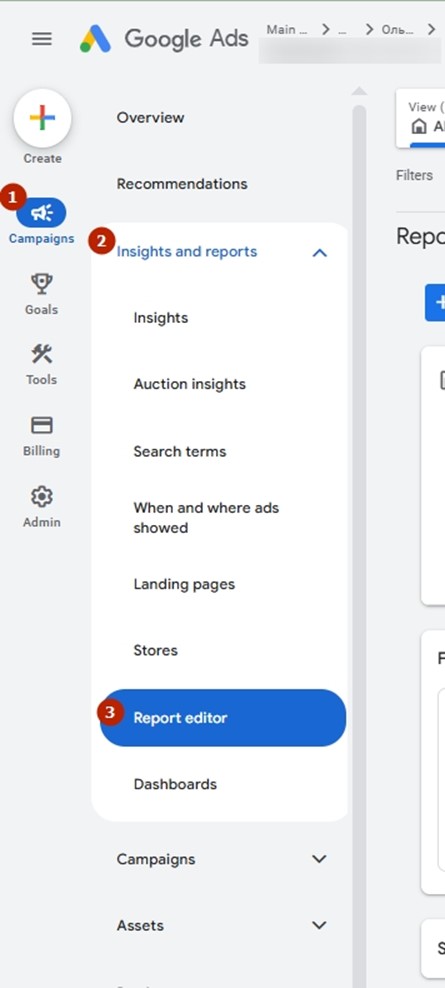
1. Enter the Google Ads account. Click on the section Campaigns – Insights and reports – Report editor
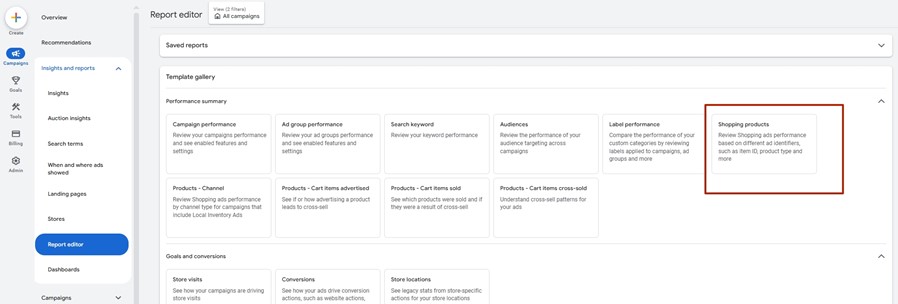
2. Select this report from the gallery.
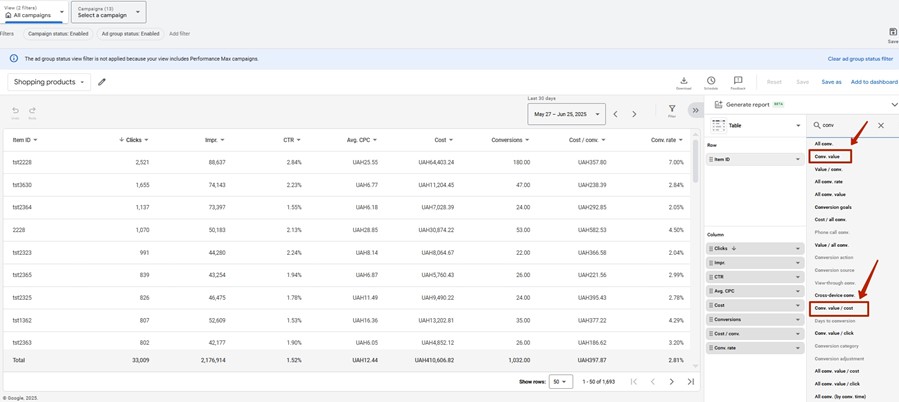
3. Look for the following list of parameters in the block for editing table parameters:
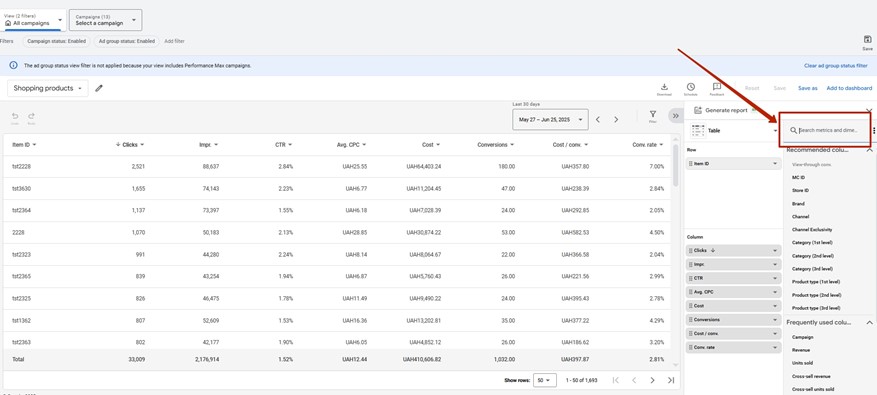
Product type (1st level)
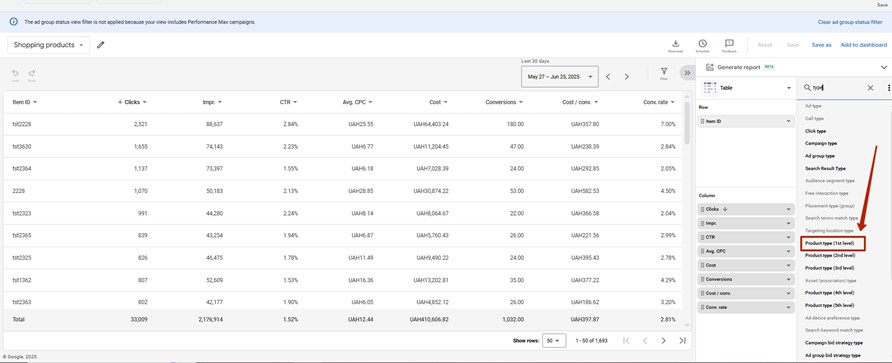
Conversion value
Conversion value/cost
4. Download the file
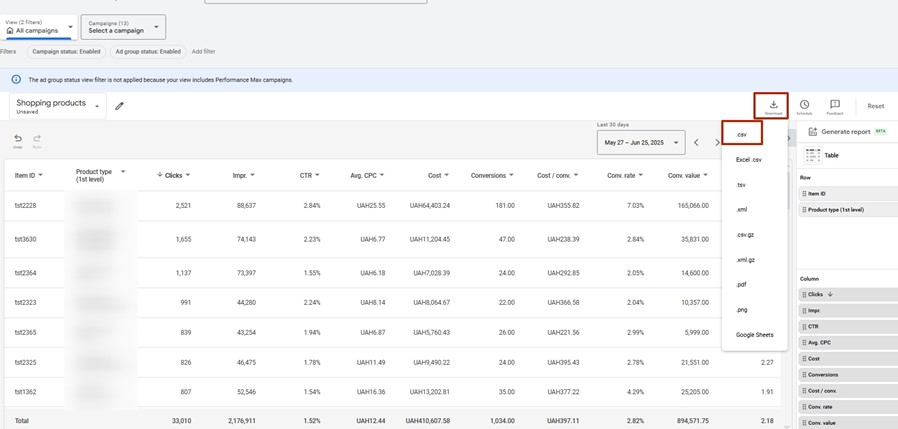
IMPORTANT tsv format
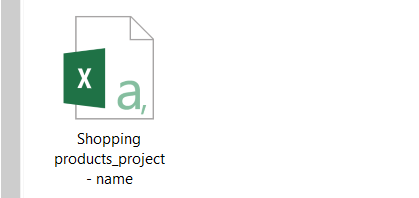
Save it to your documents folder.
5. Upload the file to the website
https://adwservice.com.ua/en/automatic-audit
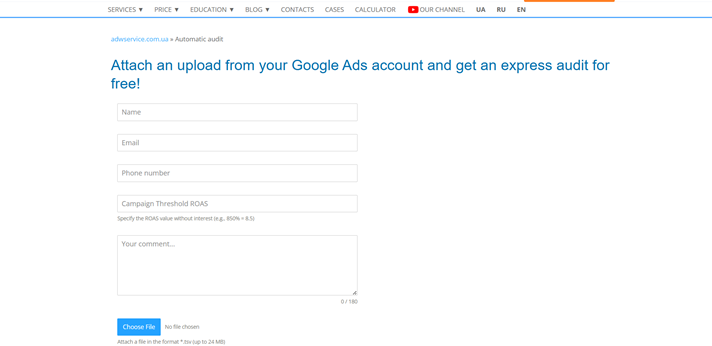
Within 1 hour, you will receive a file with the audit to your email.