Whether or not to launch a shopping campaign is an almost obvious decision for any online store. These ads, featuring photos and prices, attract shoppers who are already ready to buy. But before getting started, the question inevitably arises: how much does Google Shopping advertising cost, and how much money should you budget for the initial launch?
There’s no clear-cut answer here—there are simply too many variables to consider: your niche, the competition, your region, the size of your product catalog, and the quality of your website. However, there are some concrete guidelines you can use as a reference. In this article, we’ll break down what determines the cost of Google Shopping ads, what budget you’ll need to get started, how much an agency charges for its services, and how to avoid wasting money.
What factors determine the cost of Google Shopping ads?
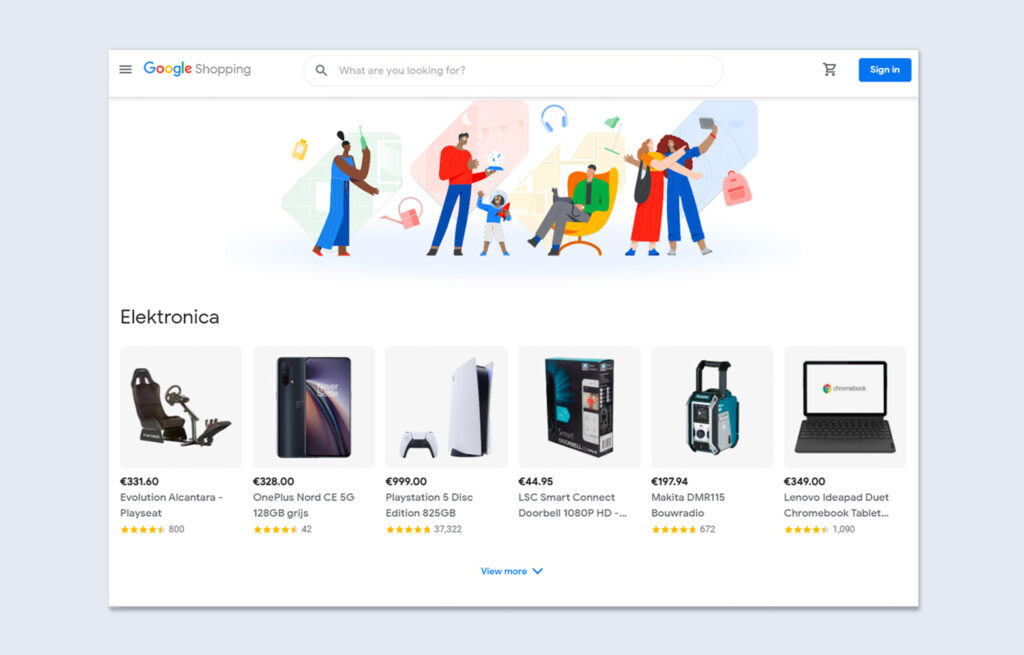
The cost of Google Shopping ads isn’t just “pay-per-click,” as many people think. In fact, the costs can be broken down into several components, each of which affects the final total.
Cost per click (CPC)
The main payment model is, of course, CPC—that is, the cost per click on a product ad. You pay only when a user clicks on the ad. Not for impressions, not for views—specifically for the click. This, by the way, is one of the reasons why online store owners love Google Shopping so much: you pay exclusively for user action.
How much exactly? It depends on the niche. In Ukraine, the average cost per click on Google Shopping is usually lower than in search ads. For everyday items, this can range from 3 to 8 UAH per visit to the advertiser’s website. For electronics and home appliances, it’s already 8–15 UAH. And in competitive niches (such as smartphones or laptops), CPC can reach 20–30 UAH or higher.
Important: In Kyiv, the cost per click is often 50–100% higher than in other regions. For example, the same product might have a CPC of 10 UAH in Vinnytsia, but 20 UAH in Kyiv. Keep this in mind when planning your budget.
Cost of setting up Google Shopping
The fee for setting up Google Shopping is a one-time payment due at launch. This includes: registering an account in Google Merchant Center, creating and optimizing the product feed, managing the shopping campaign, and setting up analytics.
The cost of setting up Google Shopping in Ukraine varies roughly as follows:
- Small studios and freelancers — from 4,000 to 6,000 UAH;
- Mid-range agencies — from 7,000 to 10,000 UAH;
- Large companies with Google certification — from 12,000 to 25,000 UAH and up.
The difference usually comes down to the size of the catalog (50 items is one thing, 10,000 is another), the complexity of the feed, and the need for website modifications.
Management and monthly optimization
Launching a campaign is only half the battle. What comes next is ongoing management: adjusting bids, updating the feed, excluding irrelevant queries, and testing strategies. Without this, the campaign quickly fizzles out—it’s shown to just anyone, and the money goes down the drain.
The cost of running a marketing campaign in Ukraine is typically:
- Starting at 4,000 UAH/month for small stores (up to 200–300 items in stock);
- From 7,000 to 10,000 UAH per month for medium-sized catalogs;
- Starting at 14,000 UAH/month and up for large stores with thousands of SKUs.
Some companies offer comprehensive turnkey packages that include both initial setup and monthly optimization. This approach is convenient if you don’t want to deal with the technical details yourself.
How Much Does Google Shopping Advertising Cost: Setting Your Advertising Budget

In addition to paying the specialist, you’ll also need to set aside funds that go directly to Google. There’s no single “correct” figure here, but there are some guidelines. To get started, you should budget at least 10,000–15,000 UAH per month—otherwise, you won’t get enough clicks to tell whether the campaign is working at all.
Let’s say your average CPC is 7 UAH. With a budget of 10,000 UAH, you’ll get about 1,400 clicks per month. If your website’s conversion rate is 2%, that’s 28 orders. You can already calculate whether the investment is paying off. For larger online stores, the budget starts at 20,000–30,000 UAH per month and can reach 100,000 UAH or more.
Important: Don’t confuse what you pay Google with the specialist’s fees. These are two separate expenses. When a company quotes a price starting at 7,900 UAH, this often refers to the cost of the work itself, while the advertising budget is paid for separately.
These figures are just estimates. The actual cost of setting up and managing Google Shopping for your business will depend on your niche, the competition, the size of your product catalog, and your goals. The best way to determine the exact cost is to run a test campaign for 2–3 weeks and review the actual performance metrics.
What factors influence the cost of Google Shopping ads?
The cost of Google Shopping ads varies. It can differ significantly even between two stores in the same niche. Here are the main factors that influence it:
- Competition in the niche. The more advertisers compete for a single customer, the higher the bids in the auction. If you’re selling iPhones, get ready for some serious competition. But in narrow niches (such as specialized industrial equipment), a click can cost just a few cents.
- Feed quality. This directly affects which search queries your product listings will appear for and how often they will be displayed. The more accurately you fill out the attributes (title, description, category, GTIN/MPN), the better Google understands what you’re selling. A poor feed = few impressions or impressions for irrelevant queries = a waste of money.
- Advertising region. If your online store operates throughout Ukraine, it makes sense to analyze performance by region and adjust bids separately.
- Device type. Mobile traffic is usually cheaper than desktop traffic, but conversion rates from mobile devices may be lower—especially if the website isn’t optimized for mobile.
- Seasonality. This also plays a role. Before New Year’s, Black Friday, or March 8, competition in most categories increases, and with it, CPC.
Comparing the cost of commercial advertising with other types of campaigns

Many people ask, “Wouldn’t it be better to just run a regular search ad campaign?” With them in mind, we’ve compared Google Shopping with other campaign formats in Google Ads.
- Search ads — a classic form of contextual advertising. Text ads appear based on keywords in Google Search. They’re effective, but the CPC is usually higher than for shopping ads. And users don’t see the product until they click through to the website.
- The Contextual Media Network (CMN) consists of banners on partner websites. It’s inexpensive (1–4 UAH), but the traffic is often “cold.” It works well for remarketing, but it’s not very effective as a primary sales channel.
- Performance Max is a relatively new advertising format that combines all channels—Search, Shopping, Display, YouTube, and Gmail. Google decides where and when to show your ad. It’s convenient, but less transparent—you don’t see the exact costs.
In e-commerce, product campaigns remain one of the most cost-effective formats. Shoppers can see everything they need in one place before visiting the website—which means that only genuinely interested users click through. This reduces the number of “empty” clicks and boosts conversion rates.
How can you reduce the cost of product advertising and increase its effectiveness?
Okay, so you’ve launched your campaign. You’re spending money, but you want better results. Here are a few tips on how to optimize your spending:
- Work on your product feed. Honestly, this is the most important thing. Headings should contain the keywords people use to search for you. Not “Men’s T-shirt, item 12345,” but “Men’s Nike black cotton T-shirt, size XL.” Google pulls information from the feed, not from keywords (as in search ads). That’s why the feed directly determines the quality of your traffic.
- Use negative keywords. Yes, you can also include negative keywords in your sales ads. If you sell new smartphones, exclude search queries containing the words “used,” “repair,” and “spare parts.” This will save you money and boost your conversion rate.
- Segment your offerings. Don’t lump all your products together. Organize your catalog by category or by profit margin. You can set higher bids for high-margin items—they’ll pay for themselves. Limit your bids on low-margin items.
- Keep an eye on your prices. If your price is significantly higher than your competitors’, you won’t get many clicks. Shoppers see the prices side by side and choose the cheaper option. Sometimes it’s easier to adjust your price than to increase your bids.
Important: Don’t focus solely on maximizing the number of clicks. Conversion ROI is far more important. It’s better to get 100 clicks resulting in 5 orders than 500 clicks resulting in 3 orders.
When is the best time to request a Google Shopping setup?
Let’s say you’ve launched an online store and are thinking, “Maybe I can figure this out on my own?” After all, Google has instructions, and YouTube is full of tutorials. In theory, yes, it’s possible. In practice, it depends on your experience and how much free time you have.
Custom configuration is appropriate if:
- You have a small catalog (up to 50–100 items);
- Are you willing to spend 15–20 hours learning about Google Merchant Center, product feeds, and Google Ads;
- Do you have time to log in to your account regularly and work on optimizing it?
A turnkey setup makes sense when:
- The catalog is large and complex;
- I don’t have the time or inclination to get into the details;
- You want to quickly establish the right campaign structure rather than waste your budget “learning from your mistakes.”
The cost of setting up Google Shopping in Ukraine through an agency typically ranges from 6,000 to 15,000 UAH for the initial setup, plus a monthly maintenance fee. With the right approach, this investment pays for itself within the first few months.